How I Use AI to Build High-Performance Web Applications (2026)

Vrushik Visavadiya
Software Engineer

AI in web development is often misunderstood.
In 2026, AI is not about replacing developers — it’s about helping us build faster, cleaner, and more performant applications while keeping full control over architecture and business logic.
In this guide, I’ll explain how I practically use AI in real-world React, Next.js, and Node.js projects to build high-performance web applications, and where I intentionally don’t use AI.
🧠 1. AI as an Assistant, Not an Architect
The biggest mistake developers make is letting AI decide architecture.
My rule:
AI assists.
I design.
I use AI to:
- Break down complex requirements
- Spot edge cases early
- Review ideas from different angles
But decisions like:
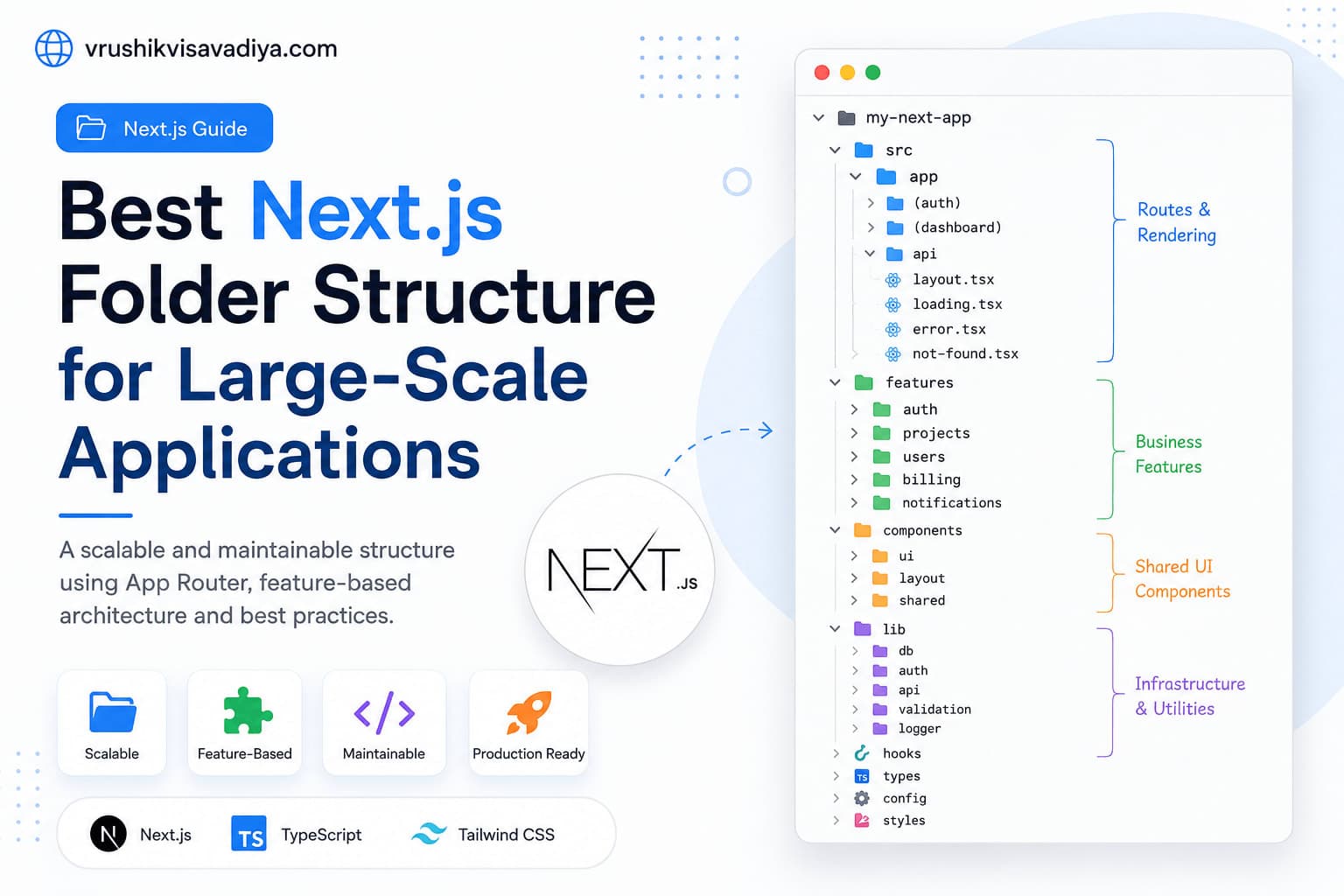
- App structure
- Data flow
- Rendering strategy
- Security boundaries
are always human-led.
⚛️ 2. Faster Frontend Development Without Bloated Code
In React and Next.js projects, AI helps me move faster without compromising performance.
Where AI helps:
- Component scaffolding
- Refactoring repetitive UI logic
- Accessibility checks
- TypeScript typings
Example of a clean, reusable component:
type User = {
  name: string;
  email: string;
};

export function UserCard({ user }: { user: User }) {
  return (
    <div className="p-4 rounded-lg border">
      <h3 className="font-medium">{user.name}</h3>
      <p className="text-sm text-gray-500">{user.email}</p>
    </div>
  );
}
AI speeds up boilerplate — I control performance and structure.
🚀 3. Performance Comes First (Always)
High-performance apps don’t happen by accident.
AI helps me:
- Identify potential performance bottlenecks
- Review expensive renders
- Suggest optimization strategies
I personally handle:
- Server vs Client Components
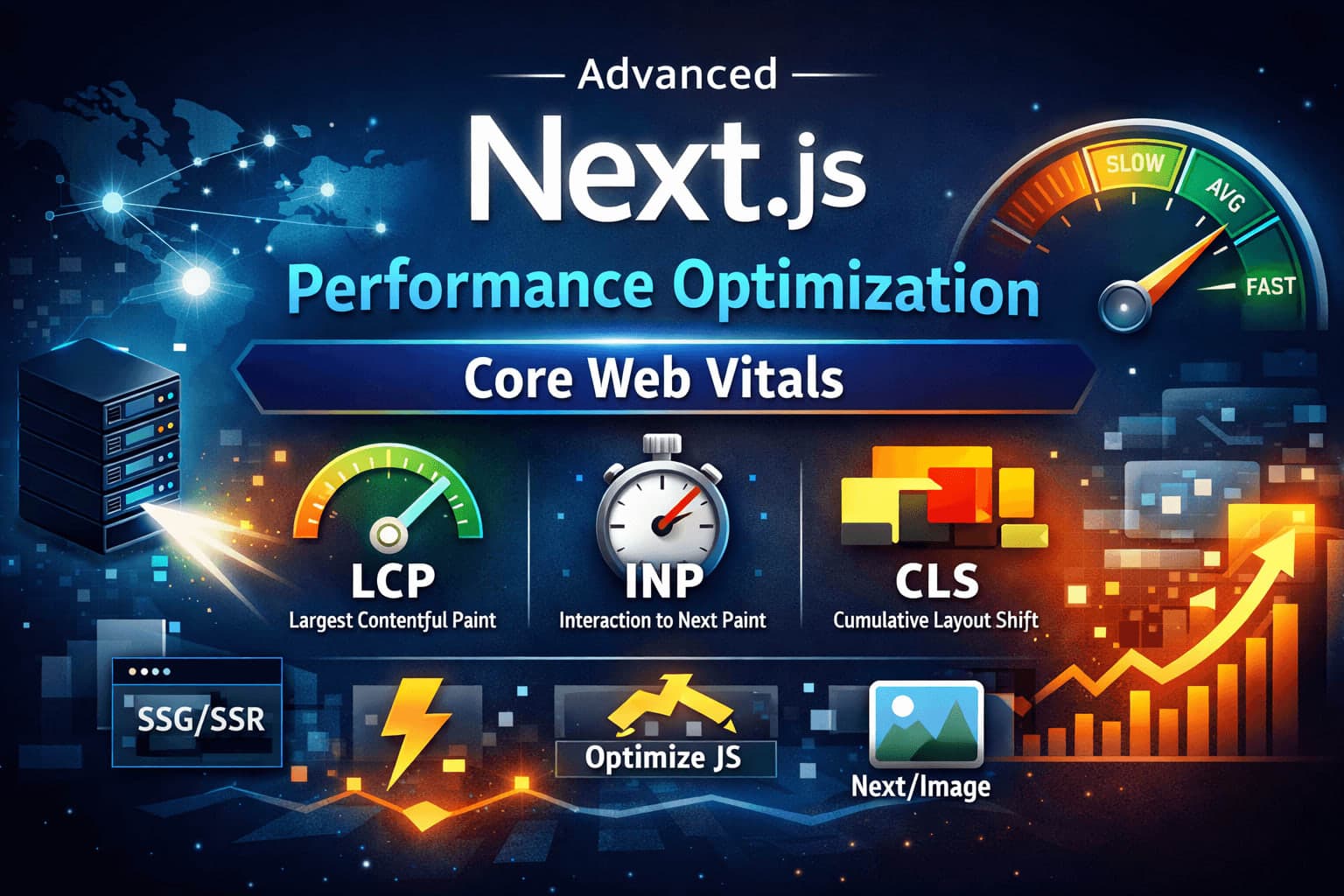
- Rendering strategy (SSR / SSG / Streaming)
- API call optimization
- Bundle size control
Performance decisions are context-based, not AI-generated.
🧩 4. Smarter Backend APIs with Node.js
On the backend, AI acts as a second reviewer.
AI assists with:
- Input validation edge cases
- Error message clarity
- API response consistency
I handle:
- API architecture
- Authentication & authorization
- Database modeling
- Security decisions
This keeps the system predictable, scalable, and maintainable.
🔄 5. Refactoring & Code Quality at Scale
AI is extremely useful when working on:
- Large codebases
- Legacy projects
- Performance-critical paths
I use it to:
- Suggest refactors
- Improve readability
- Reduce duplication
Every change is manually reviewed and tested — AI suggestions are never blindly merged.
⚠️ 6. Where I Don’t Use AI (On Purpose)
There are areas where AI should not be trusted:
- Business logic
- Authorization rules
- Financial calculations
- Performance-critical algorithms
These require domain understanding and accountability.
🛠️ 7. Tech Stack I Use
- Frontend: React, Next.js, Tailwind CSS
- Backend: Node.js, REST APIs
- Mobile: React Native
- Focus: Performance, scalability, clean architecture
AI supports this stack — it does not define it.
🎯 8. Why This Approach Works
Using AI correctly allows me to:
- Ship features faster
- Maintain high code quality
- Reduce bugs early
- Focus on architecture and performance
The goal is not AI-written code. The goal is well-engineered software.
🚀 Final Thoughts
AI is a powerful tool — but only in the hands of developers who understand performance, architecture, and real-world constraints.
When combined with:
- Server-first thinking
- Clean component design
- Measurable performance goals
AI helps build web applications that are fast, scalable, and future-proof.
If you care about performance, AI should help you — not control you.